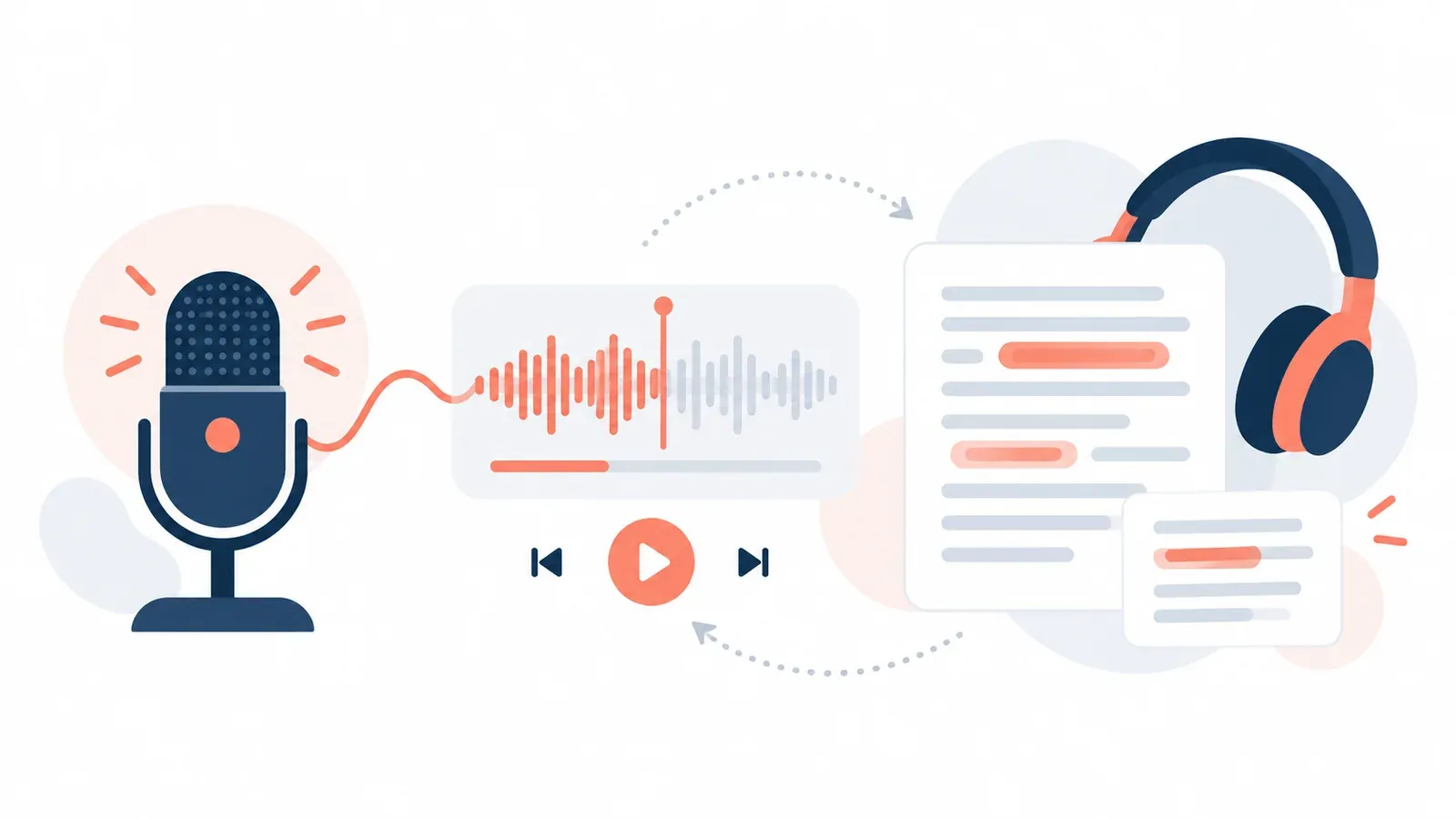
This tool lets you practise speaking privately. You pick a prompt, record your answer, listen back, and work through a short checklist about what you heard. The recording never leaves your device and nothing judges your voice.
It supports the review habit taught in reviewing a local recording with a transparent checklist.
How do I use it?
- Choose a speaking prompt from the menu. There are eight, such as describing a place in your town or giving an opinion with reasons.
- Press “Start recording.” Your browser will ask for permission to use the microphone. The tool only asks after you press the button.
- Speak, and watch the timer. Press “Stop” when you finish.
- Play the recording back using the audio controls that appear.
- Work through the checklist. Tick what you honestly did. Then write one thing to keep doing and one thing to change next time.
- Delete the recording with the button when you are done, and save or download your checklist if you want to keep it.
How do I read the result?
There is no score. The line under the checklist tells you how many of the seven items you ticked. That number only reflects your own view.
The seven items cover answering the question asked and filling the time without long silences. They also cover giving at least two reasons or examples, linking ideas and using a range of vocabulary.
The last two are pronouncing key words clearly and recovering calmly from a slip. Choose one unticked item as your target for the next attempt, not all of them at once.
Example walk-through
Choose the first prompt: “Describe a place in your town that you would show a visitor, and explain why.”
Press start, allow the microphone, and speak for about a minute. Suppose you say the town library is your choice, and that it is quiet and has old photographs. When you listen back, you notice you gave one reason and then stopped.
On the checklist you leave “I gave at least two reasons or examples” unticked, and you tick the items about answering the question and pronouncing key words clearly. The tool says that 2 of 7 are checked and that this is your own review, not a mark. Your note might read: “Keep speaking clearly. Next time add a second reason: visitors can see how the town has changed.”
If you deny the microphone instead, the tool shows a message that access was denied or unavailable, and the prompt and checklist stay fully usable. That is deliberate: the practice still works aloud without a recording.
Assumptions and limits
- Audio is held in memory in the browser tab and is never uploaded, stored by default or analysed.
- There is no accent ranking, no identity inference and no automatic scoring of any kind.
- The checklist is a tool for your own judgement. It cannot tell you whether your answer was accurate.
- Microphone support depends on your browser and device. Some browsers cannot record.
- Checklist ticks and notes are saved on this device only if you press save.
- Whether speaking belongs to your assessment depends on your entry route. Check with your exam centre.
Which lessons explain the output?
Start with reviewing a local recording with a transparent checklist and reviewing pace using a local recording. To choose one fix at a time, read identifying one actionable pronunciation issue without accent shaming. If you are unsure whether speaking applies to you, see checking whether speaking belongs to your actual entry route.
For structure and development, try the speaking interaction practice and the speaking organisation practice. The clinic on short speaking answers helps if you answer briefly and cannot develop a response. The safe audio practice guide explains private local recording, and more aids are on the tools page.
Hearing your own recording is useful, but it helps more when someone can point to the moment that mattered. A teacher can do that in online one-to-one English as a Second Language tuition.